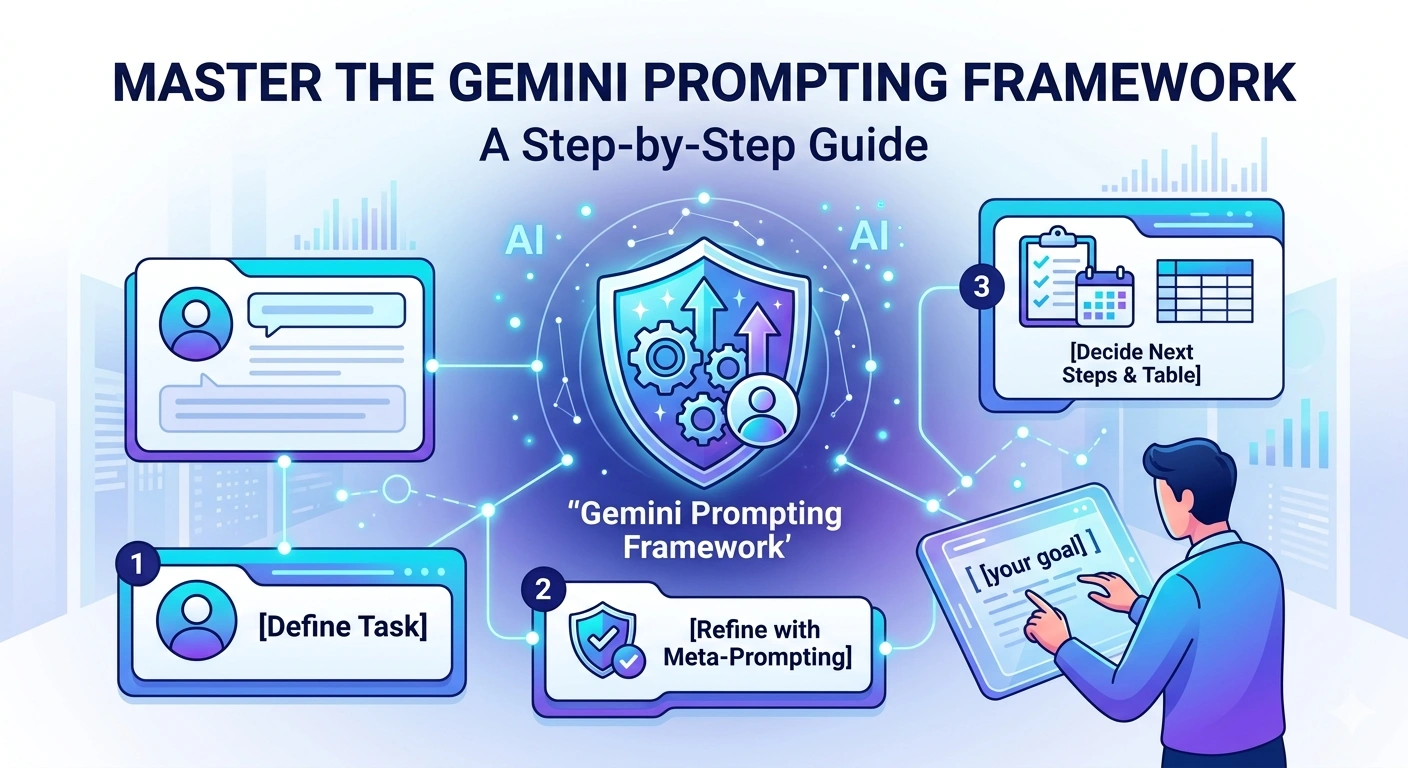
Master the Gemini Prompting Framework: A Step-by-Step Guide
 By
By Unlocking the full potential of AI isn’t just about asking questions; it’s about how you ask them. If you want to move beyond generic answers and get high-quality, actionable results, you need a structured approach.
Below is a proven framework to help you master Gemini, whether you’re looking to advance your career or master a new hobby.
🚀 Why Better Prompts Matter
Most users treat AI like a simple search engine. However, Gemini functions best as a collaborative partner. By using a layered prompting strategy, you can transform vague ideas into a concrete roadmap for success.
🛠 The 5-Step Gemini Prompting Lab
Step 1: Define Your Initial Task
Start by setting the stage. Don’t be afraid to keep the first prompt broad—you are essentially “priming” the AI to think about your specific goal.
The Prompt: “I want to learn a new skill to [your high-level goal, e.g., advance my career], but I’m not sure where to start. Help me brainstorm some ideas.”
Step 2: Use Meta-Prompting to Refine
Meta-prompting is asking the AI how it can do a better job. This forces Gemini to identify what information it’s missing to give you a truly personalized answer.
The Prompt: “What questions can I answer to help you tailor your suggestions?”
Step 3: Add Personal Context
Context is king. Once Gemini gives you a list of questions, answer them. This shifts the output from “general advice” to a “customized strategy.”
The Prompt: “Here are some more details about me:
[Answer 1]
[Answer 2]
[Answer 3] Based on this information, suggest [number, e.g., three] skills that would be relevant to me.”
Step 4: Define a Persona
Giving Gemini a persona changes the perspective of the advice. You can ask it to look at your goals through the eyes of an expert.
The Prompt: “Now, act as a [specific persona, e.g., hiring manager]. Which of the skills above would you recommend I focus on first? Explain your reasoning.”
Step 5: Decide on Next Steps
Finally, turn the conversation into a plan. Ask for a structured output so you can track your progress immediately.
The Prompt: “Suggest [number] actions I can take [this week] to start learning that skill. Format this as a [e.g., table] with [e.g., column names for ‘Action’, ‘Resource’, and ‘Estimated Time’].”
💡 Pro Tips for Success
-
Sign In: Make sure you are signed into your Google Account to save your activity and access advanced features.
-
Stay in One Chat: Keep all these steps in the same chat window. Gemini uses the previous parts of the conversation to build its understanding of your needs.
-
Be Specific: The more details you provide in Step 3, the more impressive the results will be.
Ready to start? Open a new chat in Gemini today and follow these steps to build your own personalized learning roadmap!