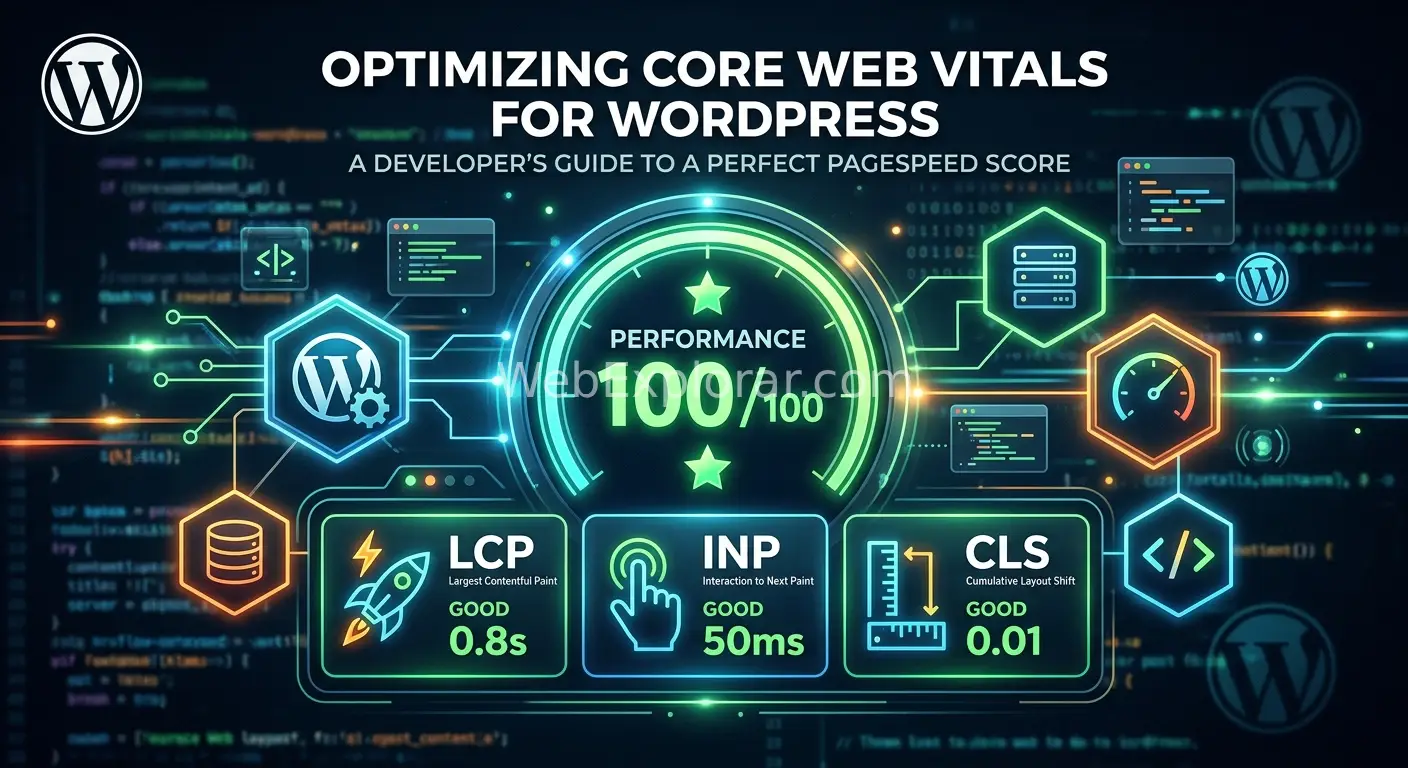
Optimizing Core Web Vitals for WordPress: A Developer’s Guide to a Perfect PageSpeed Score
 By
By A perfect PageSpeed score is rarely about a single plugin. For developers, it is a systematic process of reducing the work the browser must perform to render a page. In 2026, Google emphasizes Interaction to Next Paint (INP) alongside Largest Contentful Paint (LCP) and Cumulative Layout Shift (CLS). This guide provides a technical roadmap to mastering these metrics.
🚀 Improving Server Response and LCP
The Largest Contentful Paint usually represents your hero image or the primary heading of the page. If the server takes too long to send the first byte of data, the rest of the optimization effort is wasted.
-
🌐 Optimize the Time to First Byte Select a hosting provider that uses LiteSpeed or Nginx with fast server-side caching. Use a persistent object cache like Redis to store database queries. This reduces the load on your PHP processes and speeds up the delivery of dynamic content.
-
🖼️ Prioritize the Hero Image Never lazy load images that appear above the fold. Use a link header to preload your LCP image so the browser starts downloading it before it even parses the HTML. Convert all images to AVIF or WebP formats to reduce file size without losing quality.
-
⚡ Implement Critical CSS Identify the styles needed to render the top portion of your page. Inline this CSS directly into the
<head>of your document. Load the remaining stylesheet asynchronously to prevent it from blocking the render process.
🖱️ Master Interaction to Next Paint
INP measures how quickly a page responds to user inputs like clicks or key presses. High INP scores usually happen because the main thread is busy executing long JavaScript tasks.
-
🧊 Delay Non-Essential Scripts Move tracking pixels, chat widgets, and third party scripts to the footer. Use the
deferorasyncattributes to ensure they do not pause the browser as it builds the page. -
🧵 Break Up Long Tasks If a script takes longer than 50 milliseconds to execute, it is a long task. Use
requestIdleCallbackto run heavy calculations when the browser is not busy. This keeps the main thread open for user interactions. -
🛡️ Reduce DOM Size Complex page builders can create thousands of nested HTML elements. Aim for a total DOM size of less than 1,000 nodes. A leaner structure allows the browser to calculate styles and layouts much faster.
📏 Eliminating Cumulative Layout Shift
Layout shifts are frustrating for users and occur when elements move after they have already appeared on the screen.
-
📐 Reserve Space for Media Always include width and height attributes in your
<img>and<iframe>tags. This allows the browser to calculate the aspect ratio and reserve the correct amount of space before the content loads. -
🔡 Handle Web Fonts Carefully Fonts often cause a flash of invisible text or a sudden shift in size. Use
font-display: swapin your CSS. Preload your primary brand fonts to ensure they are available as soon as the text is rendered. -
🏗️ Stabilize Ad Containers If you display advertisements or dynamic banners, wrap them in a container with a fixed minimum height. This prevents the page content from jumping downward when the ad finally loads.
🛠️ Essential Tools and Plugins
A developer should use a combination of automated tools and manual testing to maintain high performance.
🔍 Diagnostic Tools
-
Google PageSpeed Insights Provides a clear overview of both field and lab data.
-
Chrome DevTools Performance Tab Essential for identifying long tasks and main thread bottlenecks.
-
DebugBear Excellent for monitoring how your site performs over time across different regions.
-
Waterfall Charts Use these to see exactly which resource is delaying your LCP.
🔌 Recommended WordPress Plugins
-
WP Rocket A reliable choice for page caching and basic file optimization.
-
Perfmatters This is a lightweight tool that allows you to disable specific scripts on a per-page basis.
-
FlyingPress An all-in-one solution that handles image optimization and critical CSS generation effectively.
-
Object Cache Pro The professional standard for Redis integration on high-traffic sites.
📋 The Implementation Checklist
-
🔲 Measure your current baseline using Lighthouse in an incognito window.
-
🔲 Move to a high-performance host and enable Redis.
-
🔲 Preload the LCP image and disable lazy loading for the first two images.
-
🔲 Minify and combine CSS where appropriate, but prioritize Critical CSS.
-
🔲 Audit your third party scripts and remove anything that is not strictly necessary.
-
🔲 Set explicit dimensions for all images and video containers.
These advanced techniques bridge the gap between a standard fast site and one that achieves a perfect score on high-end performance audits.
🖼️ Advanced LCP Optimization Through Preloading
The Largest Contentful Paint often suffers because the browser discovers the hero image too late in the loading process. By preloading the image, you tell the browser to start the download before it even begins to render the rest of the page.
🛠️ The HTML Manual Method You can place a specific link tag in your document header. This is the most direct way to ensure the hero image is the first asset the browser fetches. <link rel="preload" as="image" href="https://yourdomain.com/path-to-image.webp" fetchpriority="high">
💻 The Automated WordPress Hook If you want to automate this for every blog post, you can use a PHP function in your theme. This snippet finds the featured image and adds the preload tag to the header dynamically.
function webexplorar_preload_featured_image() {
    if (is_singular() && has_post_thumbnail()) {
        $image_id = get_post_thumbnail_id();
        $image_src = wp_get_attachment_image_url($image_id, 'full');
        echo '<link rel="preload" as="image" href="' . esc_url($image_src) . '" fetchpriority="high">' . PHP_EOL;
    }
}
add_action('wp_head', 'webexplorar_preload_featured_image', 1);
⚡ Managing Fetch Priority Standard images have a low priority by default. For your hero sections, you should explicitly set the fetchpriority attribute to high. This ensures the browser does not delay the image behind other less important scripts or stylesheets. Ensure you also disable lazy loading for this specific image to avoid a conflict in browser logic.
🗄️ Database Efficiency with Redis Object Caching
Many developers focus only on front-end speed while ignoring the time the server spends talking to the database. Redis is an in-memory data store that keeps frequently used data ready for instant retrieval.
-
🖥️ Preparing the Server Environment You must verify that your server has Redis installed. On a standard Linux server, this usually involves installing both the Redis service and the PHP extension. Once these are active, WordPress can use a specialized script to bypass the standard database for repetitive tasks.
-
📂 Setting up the Object Cache Script WordPress requires a file named
object-cache.phpto be located in thewp-contentdirectory. This file acts as a bridge between the core software and the Redis service. Most high-performance plugins will install this for you, but you should verify its presence to confirm the cache is active. -
🔑 Configuring the wp-config File If you host multiple websites on one server, you must assign a unique salt or prefix to each site. This prevents the cache from one website from appearing on another. Add the following lines to your configuration file to keep your data organized.
define('WP_CACHE_KEY_SALT', 'unique_string_here'); -
📊 Verification and Monitoring Use the command line to monitor the performance of your cache. By running the command
redis-cli monitor, you can watch as WordPress requests data. If you see a stream of text while navigating your site, the connection is successful and your database load is significantly reduced.
🛠️ Performance Architecture Checklist
Use these specific settings to ensure your technical implementation stays stable during updates.
-
🧱 Container Stability Wrap all dynamic elements in a parent div with a fixed minimum height. This is the most effective way to prevent Cumulative Layout Shift when ads or third party widgets finally appear on the screen.
-
🧪 Main Thread Management Identify scripts that are not essential for the initial page load. Use the
wp_enqueue_scriptfunction to add thedeferattribute to these files. This allows the browser to continue building the page while the scripts download in the background. -
📉 DOM Node Limits Keep your total page nodes under 1,200. Excessive nesting in page builders causes the browser to struggle with layout calculations. Use the browser console to run
document.querySelectorAll('*').lengthto check your current count.